오늘은 FMath::VInterpTo를 이용하여 왕복 운동하는 액터를 만들어 봤습니다.
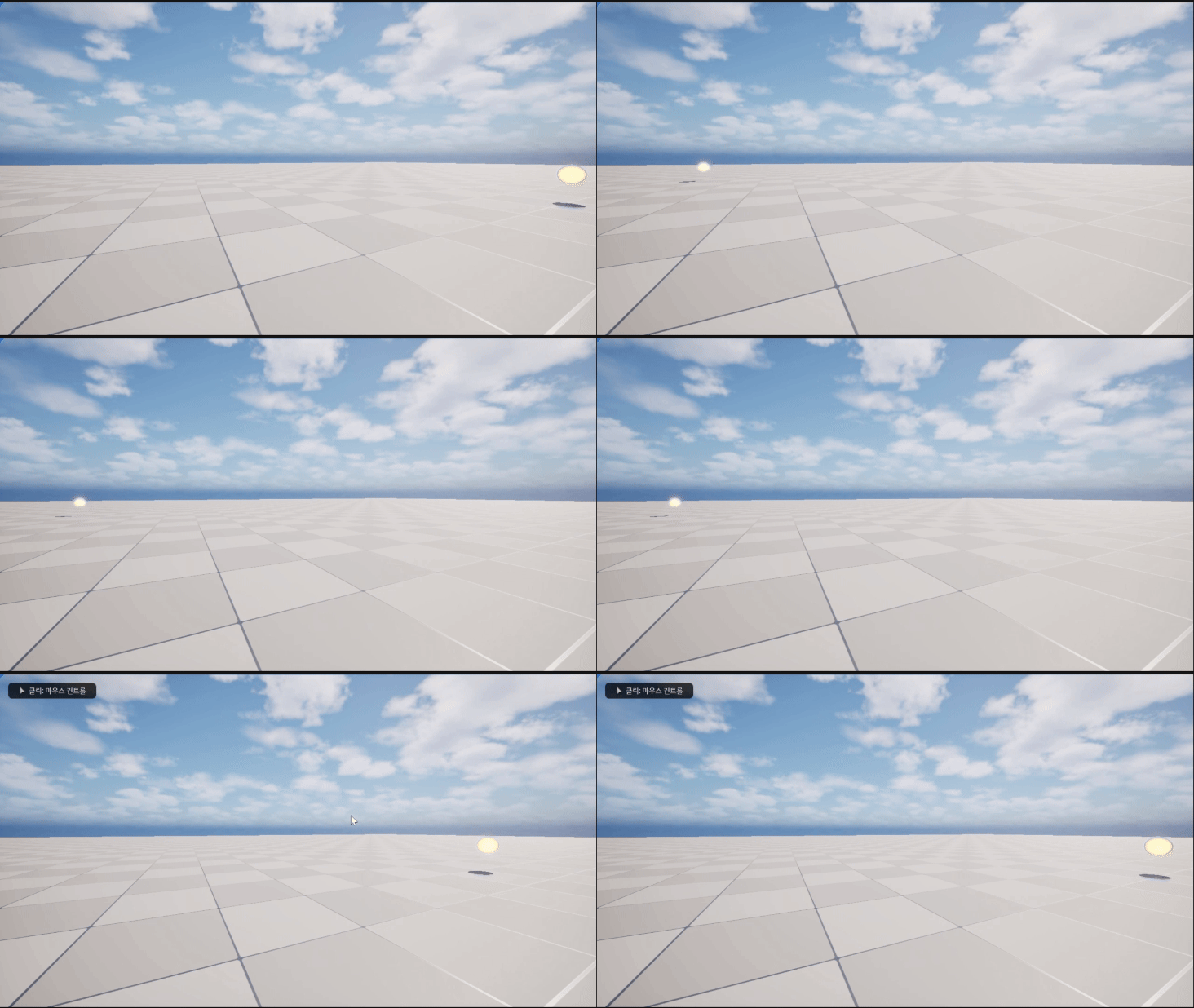
FMath::VInterpTo란?
FMath::VInterpTo는 언리얼 엔진에서 벡터 보간을 수행하는 함수다. 이 함수는 두 벡터 사이를 선형 보간하여, 첫 번째 벡터에서 두 번째 벡터로 서서히 이동하도록 하는데 사용된다.
함수 시그니처
FVector Fmath::VInterpTo(
    const FVector& Current,
    const FVector& Target,
    float DeltaTime,
    float InterpSpeed
);
파라미터
- Current : 현재 벡터 값 (보간을 시작할 벡터)
- Target : 목표 벡터 값 (보간이 끝날 벡터)
- DeltaTime : 현재 프레임의 시간 간격
- InterpSpeed : 보간 속도를 설정하는 값. 값이 클수록 빨리 목표 값에 도달하고, 값이 작을수록 느리게 이동
ShuttleActor.h
#prgma once

#include "CoreMinimal.h"
#include "GameFramework/Actor.h"
#include "ShuttleActor.generated.h"

UCLASS()
class PROJECT_API AShuttleActor : public AActor
{
    GENERATED_BODY()

public:
    AShuttleActor();

protected:
    virtual void BeginPlay() override;
    virtual void Tick(float DeltaTime) override;

    UPROPERTY(EditAnywhere, BlueprintReadOnly, Category = "Shuttle|Component")
    USceneComponent* SceneRoot;
    UPROPERTY(EditAnywhere, BlueprintReadOnly, Category = "Shuttle|Component")
    UStaticMeshComponent* StaticMeshComp;

    UPROPERTY(EditAnyWhere, BlueprintReadOnly, Category = "Shuttle|Property")
    FVector StartLocation; // 출발 지점
    UPROPERTY(EditAnywhere, BlueprintReadOnly, Category = "Shuttle|Property")
    FVector EndLocation; // 도착 지점
    UPROPERTY(EditAnywhere, BlueprintReadOnly, Category = "Shuttle|Property")
    float MoveSpeed; // 움직임 속도

private:
    bool IsArrive // 도착시 출발 지점과 도착 지점 바꾸기 위함
}
ShuttleActor.cpp
#include "ShuttleActor.h"

AShuttleActor::AShuttleActor()
{
    PrimaryActorTick.bcanEverTick = true; // tick 사용하기 위함

    SceneRoot = CreateDefaultSubobject<USceneComponent>(TEXT("RootComponent"));
    SetRootComponent(SceneRoot);
    StaticMeshComp = CreateDefaultSubobject<UStaticMeshComponent>(TEXT("StaticMesh"));

    StartLocation = FVEctor(0.0f, 0.0f, 0.0f); // 출발 지점 초기화
    EndLocation = FVEctor(0.0f, 0.0f, 0.0f); // 도착 지점 초기화
}

void AShuttleActor::BeginPlay()
{
    Super::BeginPlay();

	SetActorLocation(StartLocation);
}

void AShuttleActor::Tick(float DeltaTime)
{
    Super::Tick(DeltaTime)

    FVector CurrentLocation = GetActorLocation();
    FVector TargetLocation = IsArrive ? StartLocation : EndLocation;
    // IsArrive가 true면 TartgetLocation은 StartLocation, false면 TartgetLocation은 EndLoaction

    FVector NewLocation = FMath::VInterpTo(CurrentLocation, TargetLocation, DeltaTime, MoveSpeed);
    SetActorLocation(NewLocation);

    if (FMath::IsNearlyZero(CurrentLocation.X - TartgetLocation.X, 1.0f)
        IsArrive = !IsArrive;
    // CurrentLocation.X - TartgetLocation.X가 1.0f보다 작다면
    // 0에 가까운 값으로 간주하고 IsArrive를 반대로 바꿔줌
}'언리얼 엔진' 카테고리의 다른 글
| 언리얼 Enhanced Input System (0) | 2025.02.05 |
|---|---|
| 부모 액터를 중심으로 회전 하는 자식 액터 만들기 (0) | 2025.01.31 |
| 언리얼 리플렉션이란? (0) | 2025.01.23 |
| OnComponentBeginOverlap과 LaunchCharacter를 이용한 캐릭터 공중에 띄우기 (0) | 2024.12.20 |
| 언리얼 레벨 블루프린트 사용해보기(2) (0) | 2024.12.18 |